How to Prepare Print-Ready Artwork: Bleed, CMYK and Resolution Explained
The three things that decide whether your print comes back perfect or disappointing — bleed, colour mode and resolution — explained in plain English with practical settings.
Most print problems are not printing problems at all — they are artwork problems that were baked in before the file ever reached the press. White slivers along an edge, colours that look duller than they did on screen, fuzzy logos: almost all of it traces back to three settings. Get bleed, colour mode and resolution right and your print will come back looking exactly as you intended.
Bleed: why your design needs to run off the edge
Commercial printing prints onto a larger sheet and then trims it down to size. No guillotine cuts to within a fraction of a millimetre every time, so if your background stops exactly at the trim line, any tiny shift leaves a thin white edge. Bleed solves this: you extend backgrounds and images 3mm beyond the final size so that, whatever way the cut lands, the colour runs right to the edge.
The flip side of bleed is the safe area. Keep anything important — text, logos, contact details — at least 3mm inside the trim line. That margin guarantees nothing critical gets clipped if the cut shifts slightly inward.
- Document size: your final trim size (e.g. A5 is 148 × 210mm)
- Bleed: add 3mm on every side
- Safe area: keep key content 3mm inside the trim
CMYK vs RGB: print uses ink, not light
Screens create colour by mixing red, green and blue light (RGB). Printing creates colour by layering cyan, magenta, yellow and black ink (CMYK). The two do not map perfectly — RGB can produce vivid, glowing colours that simply cannot be reproduced with ink, particularly bright blues, greens and oranges.
If you design in RGB and send it to print, those out-of-gamut colours get converted on press and can shift noticeably — usually looking flatter or darker than expected. Set your document to CMYK from the start so what you see is much closer to what you get. If a specific brand colour is critical, tell us and we can advise on the closest reliable match.
Designing in CMYK from the outset removes the single most common cause of "but it looked brighter on my screen".
Resolution: 300 DPI at final size
Resolution is how much detail an image holds. For print, you want 300 DPI (dots per inch) at the actual size the image will appear. An image that looks crisp on a website might be only 72 DPI — fine for a screen, but it will look soft or pixelated once printed. Crucially, you cannot create detail that is not there: scaling a small image up to fill an A3 poster will not make it sharp.
Always start from the largest, highest-quality version of any image — especially logos and photography. Vector logos (AI, EPS or SVG) are ideal because they stay razor-sharp at any size.
Exporting the right PDF
When everything is set, export a PDF — the industry standard for print. Choose a press preset such as PDF/X-1a or PDF/X-4, embed your fonts (or outline them), and make sure bleed is included in the export. That single file carries your size, bleed, colour and fonts in one reliable package.
Not a designer? That is exactly what our free artwork check is for. Send us your file and we will review bleed, resolution and colour before anything goes to press — and flag anything that needs attention.
Frequently asked questions
What file format should I send?
A press-ready PDF is best (PDF/X-1a or PDF/X-4) with fonts embedded, 3mm bleed and CMYK colour. We also accept high-resolution JPG and PNG, with PDF preferred for sharp text.
What happens if my artwork is RGB or low resolution?
Our free artwork check will flag it. RGB files are converted to CMYK (colours may shift) and low-resolution images may look soft when printed — we will let you know before we print so there are no surprises.
Do you offer design help if I do not have artwork?
Yes. If you do not have print-ready files, get in touch and our team can help prepare or create artwork for your job.
Need this printed?
Printed in Lisburn with fast delivery across Belfast & Northern Ireland.
Related articles
 Guides
Invitation Printing Guide: Sizes, Card Stock and When to Order
A practical guide to printed invitations for parties, corporate events and celebrations — sizes, card weights, finishes, and how they differ from wedding suites.
Read article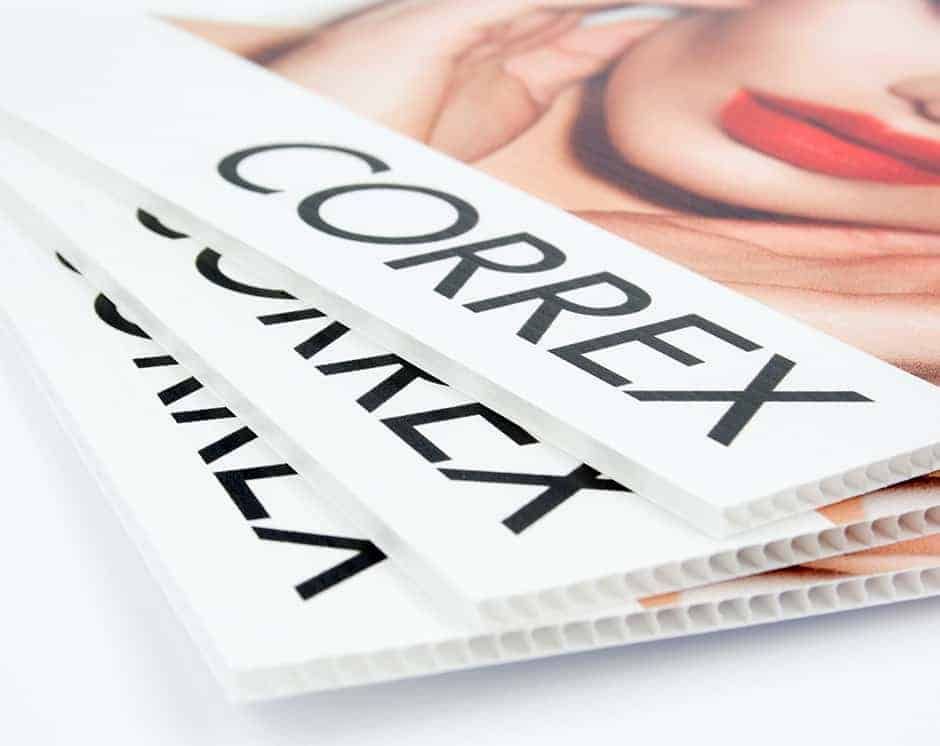 Guides
Correx Site Signage in Northern Ireland: Boards That Survive the Weather
When to choose correx over foamex or PVC banners for construction sites, estate agent boards and outdoor notices — plus sizes, fixing and artwork tips.
Read article Guides
Architectural Plan Printing in Lisburn: A0, A1 and A2 Drawings That Scale
How to get architectural and engineering plans printed to scale in Lisburn — paper choice, colour vs mono, folding vs rolling, and when weatherproof stock is worth it.
Read article